Converting a PS4 Persona 5 Royal NG+ Save to Steam with Adversarial Interoperability

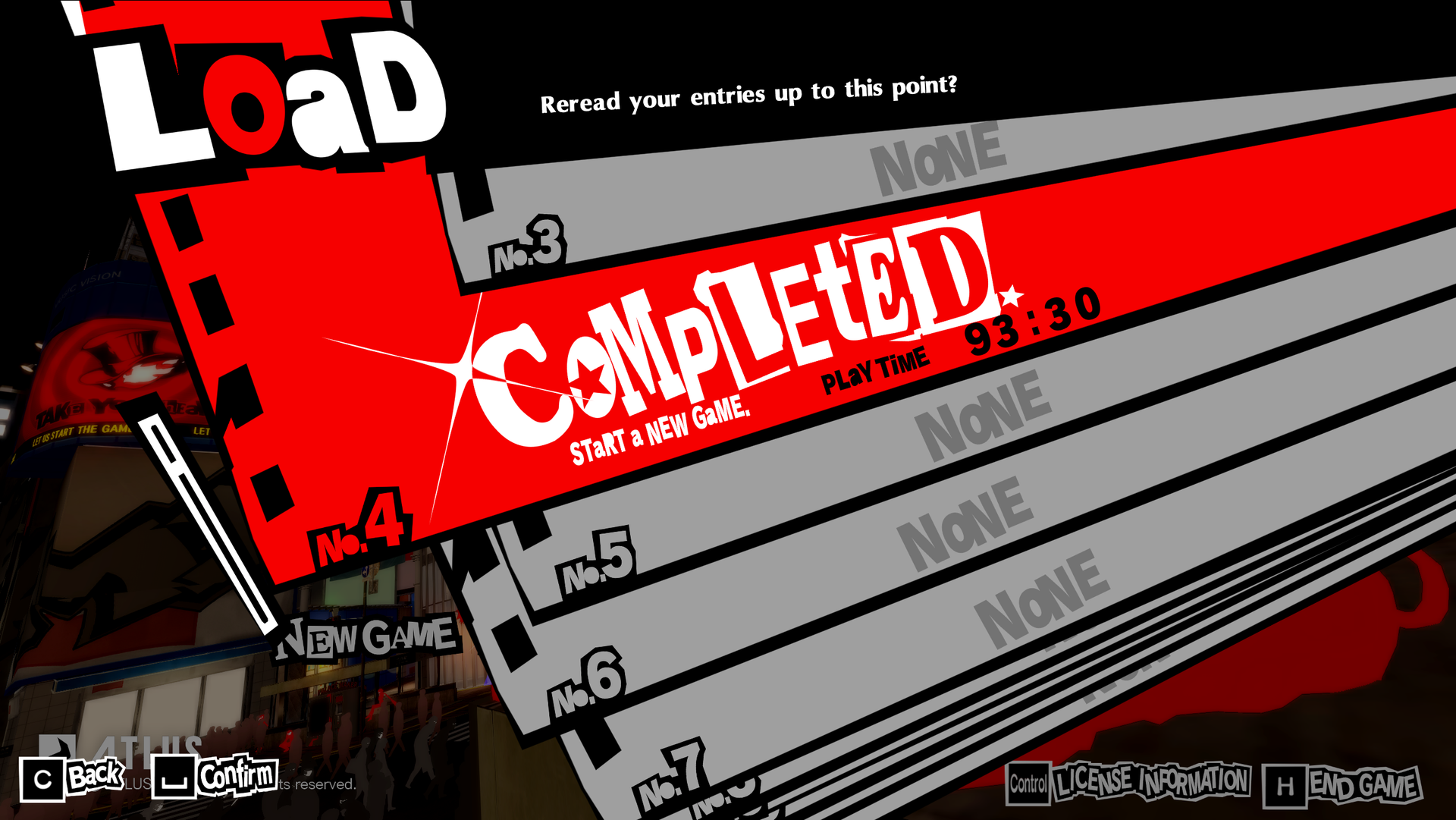
Why do Persona games keep getting remakes and remasters? It's me. I'm the problem. I find the surveys Atlus sends and say "I will pay money for more remakes":
While I wait for Persona 4 Revival to release, I want to replay 5. Specifically, I wanted to do a New Game+, since it goes much quicker than the normal 100+ hours to beat.
I played the initial release when it launched in 2017 on the PS4. [1] When I heard Royal was getting a release in 2020, I decided to wait and NG+ that. Only problem is that Royal changed the game so much that you couldn't port your save over, so I had to start fresh again.
This time I actually can NG+ on my PS5, but I am now past my second year of Linux gaming and figured out I could use my desktop as a Steam Machine thanks to a 50ft HDMI cable. Plus, Sony hasn't been behaving favorably lately.
Persona 5 Royal was 80% off on Steam recently and as I already established, I will repeatedly pay Atlus for their games. Only problem is I don't want to start a full play through yet again. Thankfully we have adversarial interoperability.
Decrypting the save
PS4 saves need to be decrypted first, because of course there is always DRM. I tried to do this a couple years ago and saw the only solution was a program called Save Wizard which costs $50.
Thankfully the FOSS community stepped up and there is now Garlic Saves. It's a 100% free site that uses garlic-savemgr running on a pool of jailbroken consoles. You upload your save, they decrypt it, and you download the decrypted save. Ironically, I didn't want to pay $50 for Save Wizard, but I donated that amount to Garlic Saves.
Anyways, the process is pretty simple:
- Garlic Saves converts one save slot at a time. Open up the game and check the save slot with your completion data. Note the slot number.
- Put a usb drive into your console.
- Copy the save to the drive
- Plug the drive into your computer and look for
/PS4/SAVEDATA/<16-character hex name> - Make an account on Garlic Saves and add the hex name.
- The folder will have a bunch of files like
DATA0andDATA0.bin. Make a zip containing both files for the slot you want to convert. - Upload the zip and wait
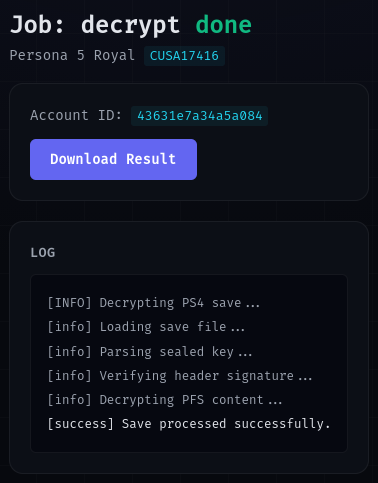
- Download the descrypted save.
Converting the save
Once decrypted, you can convert the save to the Steam format using a small Python script fiber-saveutil. The instructions use pip, but I used uv instead and had no issues: [2]
uv init
uv add -r requirements.txt
uv run fiber-saveutil.py convert Persona_5_Royal_CUSA17416_dec/ Persona_5_Royal_CUSA17416_dec/
When I unzipped the decrypted save, I got the directory Persona_5_Royal_CUSA17416_dec. I'm using that for both the input and output, which will overwrite the original files.
Also note from the readme:
Equipping any one of these will result in a soft-lock since the Raidou Kuzunoha Costume & BGM Special Set was cut from the PC version - you'll need to use a mod to restore them.
All that's left is to:
- Disable cloud sync for the game in Steam.
- Start the game once to create the save directory.
- Your save data on Linux will likely be in
~/.steam/steam/steamapps/compatdata/1687950/pfx/drive_c/users/steamuser/AppData/Roaming/SEGA/P5R/Steam/<user-id>/savedata/. Make a folder matching your slot number. In my case that wasDATA04. - Copy
DATA.DATfrom the script's output directory into the new DATA directory. - Re-enable your cloud sync.
That's it! Start your NG+ and take your time.
When the Steam version of the game was released, Atlus also released a PS5 upgrade. I could have bought that, but you can't import your PS4 save into the PS5 version.
Plus, Sony is no longer producing discs[3], removing videos people paid for, introducing 30 day online DRM, hiking prices, testing out dynamic pricing and no longer bringing games to PC. Five different countries are now suing PlayStation. More and more third party titles are now releasing on PC without any kind of delayed release. Atlus is simultaneously releasing Persona 4 Revival next year on PS5, Steam and Xbox.
Oh also, if you had bought the PS5 version of the game, started a new save and then decided you wanted to convert the save to Steam you would be out of luck. You can't export the PS5 saves. If anyone wants to NG+ and can't get their old save, I've uploaded my converted save here in a fork of fiber-saveutil that includes the uv changes.
At the time I lived with someone and their room was right next to the living room, so they were subjected to the battle theme Last Surprise over and over again. ↩︎
Here's the docs on converting to UV if you're interested. ↩︎
Though you should have a look at DoesItPlay since many discs aren't even full games anymore. ↩︎
No spam, no sharing to third party. Only you and me.


Member discussion