8.4 Months of Daily Driving GrapheneOS

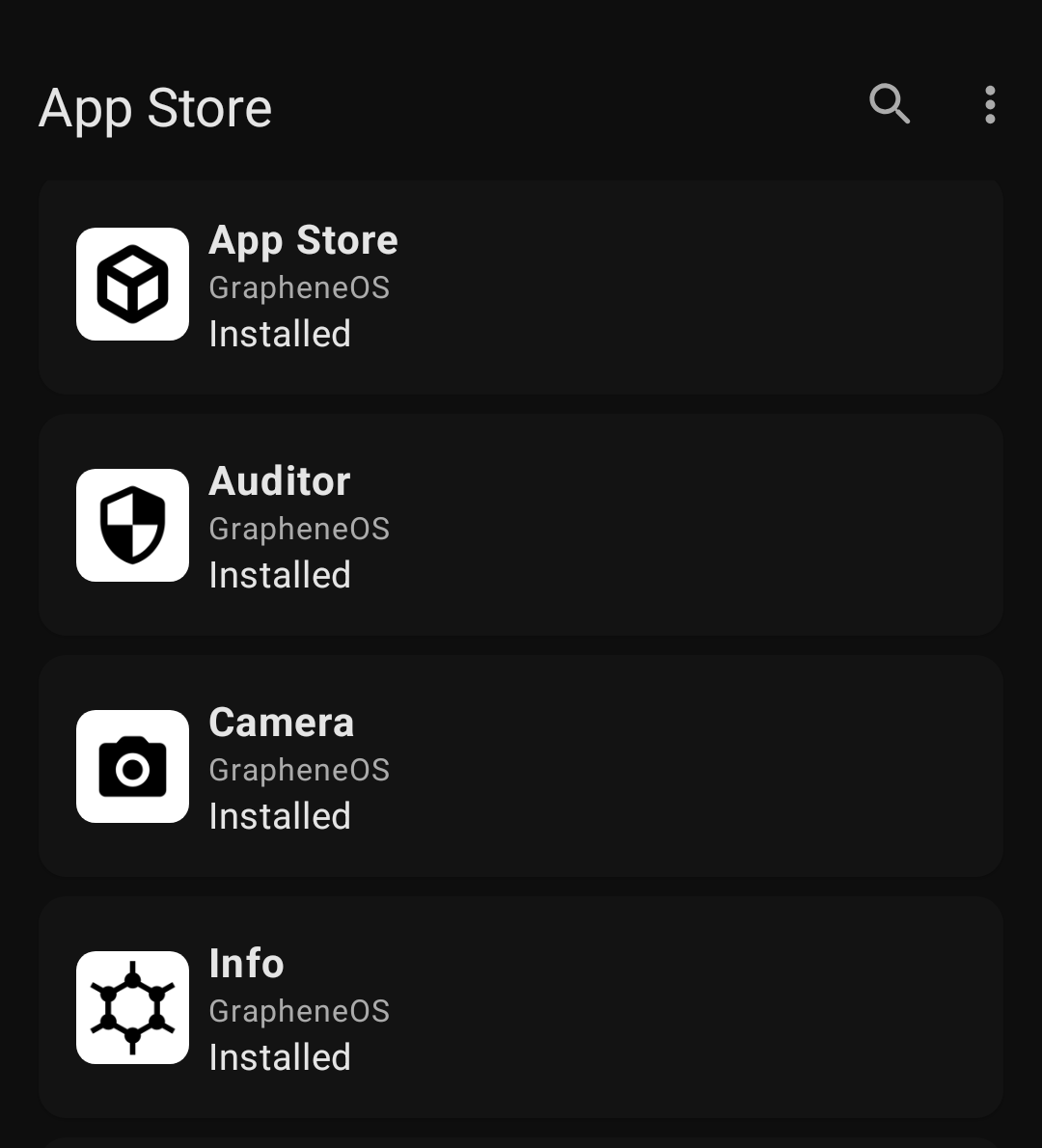
Back in June I wrote a post on trying out GrapheneOS. I was going to wait a year before doing an update, but two things happened recently:
First, the big news I've been waiting for: GrapheneOS announced they are partnering with motorola to offer a non-pixel device! [1] Second, Pixel 9 Pro Fold decided to implode.
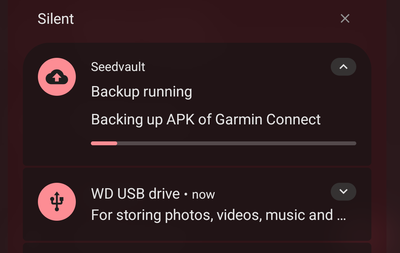
I've been battling support around the replacement, but was pleasantly surprised by the GrapheneOS backup experience. The upside from all of this is I needed to reinstall GrapheneOS and that gave me a chance to reflect on the last 8.4 months of using it.
The apps
When I first transitioned to GrapheneOS I gave in depth write ups on the apps I kept and the apps I got rid of . This was my first time trying to be intentional about my phone usage. Back then I broke my apps down into five buckets:
- "essential" apps that that I use daily. In quotes because I realized I didn't necessarily need all of them.
- Nice to have - I use these regularly, but am not overly attached to them.
- Google - their various services.
- Work - apps I need for work.
- Private space - the "jail" for junk apps I only need on occasion like airline, rideshare, and restaurant. When private space is not on the apps are all frozen.
Now my buckets are simply:
- Daily Drivers
- Google apps I begrudgingly use
- Private space / reinstall when needed
Work apps are gone. I'm in a lucky situations where I can do this.
The Google apps I begrudgingly use
Try as I might, there is going to be some amount of Google apps on an Android phone. The game now is to minimize their usage.
[+-] Google Camera replaced GrapheneOS camera - I reinstalled Google Camera for the occasional photo in difficult lighting. The camera app is really hard to beat.
[-] Google Chat - gone, the two friends that used it are now on Signal finally.
[ ] Google Maps - still here and will be for a long time. I looked into using Transportr for when I take public transit but Navitia removed their free API, so Transportr can no longer use them.
[ ] Google Messages - for most of the last 8 months RCS was broken on GrapheneOS, but it's back now and Google messages is still the only option for messaging with family members on iOS.
[ ] Android Auto - mostly working without issue.
The Daily drivers
As I've continued to whittle down the apps I use I don't really feel a need to distinguish between "essential" apps and nice to have apps. The survivors are now just the set that I truly use day to day.
What hasn't changed since the old posts:
- Firefox for my browser.
- The nature and fitness app categories from my old post are unchanged.
- Tuta for my mail email and Thunderbird for my gmail account. Version 17 is launching soon with foldable support!
- I'm still using Futo keyboard but switched the voice to text model to English 244 and the accuracy is considerably better.
The main changes are:
[+-] AntennaPod replaced PocketCasts - After my post on modifying PocketCasts to remove ads when they reneged on their grandfathered accounts I started using AntennePod with gpodder sync on nextcloud. I miss some features from PocketCasts [2], but the change was pretty smooth.
[+] CameraSync/GR World - I'm still using my GRIII for photos. Ricoh released a new GR World app that is better than their old bad app, but still pretty flakey. CameraSync is a recent FOSS app that so far is very reliable for syncing my location to my camera.
[-] Discord - added mandatory age verification, and though it hasn't impacted me yet I've wanted to reduce my Discord usage for a long time. The interleaving of memes and important conversation makes it hard for me to follow up on messages. As I mentioned in my post on Thunderbird Appointment I still use it for coordinating TTRPGs. So for now I'm going to deemphasize Discord by uninstalling from my phone and only using it on desktop. [3]
[+] Kagi Translate - I previously dropped Google Translate and thankfully last month Kagi released their own translate app. I haven't had a chance to try it out while traveling, but OCR translate is very helpful when abroad.
[+-] Kvaesitso replaced Niagra for my launcher. The extra customization options were appreciated and it's FOSS. [4]
[+] TickTick - For self management I relented and switched from DAVx5, ICSx5, Tasks.org, Fossify Calendar and NextCloud Deck back to TickTick. I noticed I was dropping a lot of tasks outside of work and TickTick just works really well for managing my ADHD.
[+] SpamBlocker - is a FOSS option you can set as your default caller ID app. I love that the repo has a table explaining in detail why each permission is needed. There is also a build that has no internet permission.
[-] Snapchat - I was essentially only opening this once a week and kept it in an isolated user profile. Now I've just dropped it. Snapchat was the last social media app I had and it's nice to be done with it. As a side note, I'm experimenting with self-host a defederated Pixelfed instance for just family, but mostly I just text photos to people now.
The Private space / install when needed apps
I used to keep apps that slurp up lots of data and I only used occasionally in the the Private Space. Now I mostly just keep them uninstalled and only install them temporarily. So if I'm going on a flight I will install the airline's app in the Private Space and then remove it after the trip.
Parking apps were another category since there are at least four of them for the greater Boston area. Now, I just walk to the pay terminal and print a ticket.
Updates on how I use GrapheneOS day to day
When I first wrote about GrapheneOS I had grand designs around using multiple user profiles to isolate the different parts of my life: personal, work, apps that were trying to steal my attention, etc. I gave up on that pretty quickly though. Partially because juggle multiple users was a little rough, but mostly because I just use my phone differently now. After limiting what I do with my phone I don't need those different profiles.
Also as I mentioned in my post on using xDrip+ with Stelo, another major change in my behavior is I now toggle off location using the quick tile unless I specifically need it. This was mostly due to me relenting and giving Google Play services expanded access to location.
Updates in GrapheneOS itself
Over the last year I've been collecting notes on GrapheneOS releases with changes that caught my eye. Here are some important highlights for my day to day usage:
From release 2025122500:
enable lockscreen widget support
From release 2026020600
add cross-SIM calling support (making calls using a SIM via the mobile data provided by another SIM similarly to Wi-Fi calling); requires Automatic data switching in SIM settings, and existing installs may need to toggle Automatic data switching off and on to enable cross-SIM calling
From release 2026021200 rcs fix part 2
Sandboxed Google Play compatibility layer: add toggle for granting Play services access to ICC auth in order to support RCS with carriers requiring it for RCS in Google Messages including T-Mobile
These are incremental, but meaningful additions. Subscribing to the GrapheneOS changelog really puts into perspective how many small improvements add up over time. The issue RCS fix for T-Mobile was especially important for me.
FOSS to table
In addition to GrapheneOS changes, there have been some other changes to fill in the missing gaps. Similar to thinking about where the food you eat comes from, it's a useful exercise to learn about where the features you use come from. I talked about this in a past post, but the short version is: it's either AOSP, Google's apps, or the Pixel ROM. Since my initial GrapheneOS post, a few more missing features have been filled in.
The FOSS [5] app Flip 2 DND implements Flip to Shhh from Digital Well Being. I initially really missed this on GrapheneOS. However, I no longer need it since I just keep my phone on DND all day to reduce distractions, but I wanted to highlight this as a good replacement option.
The other big feature I missed from Digital Wellbeing was Wind Down which toggled settings on the phone for bed time. Android 16 AOSP reworked the toggles for DND, work, driving, and sleep into "Modes", so this is mostly fixed now. There is still no option to turn on automatically after a certain time when plugged in like in the "Pixel Modes" version, but the schedule for turning it on is close enough.
Finally, a note around TTS. On Android TTS is not build into AOSP. [6] Instead you need to have an application that provides TextToSpeechService. On most devices this is usually handled by Google's Speech Recognition & Synthesis app, but that is of course not installed by default on GrapheneOS. There are FOSS apps like Sherpa TTS, but the models they provide only support one language at a time and the app can only load one model at a time. This limitation means Sherpa cannot easily switch between different languages, which is exactly what you need for a translation app. I think espeak NG might work, but I haven't given it a try considering the voice quality.
Closing thoughts
You're stuck with using Pixel devices if you want to use GrapheneOS, but I may leave Google devices behind once they find a possible hardware partner in the future.
~ Me, in the first draft of this post.
Well the future is now! Actually the future is still slightly ahead of now, since you can't actually get a motorola fold yet, but the future is closer now than previous was. [7].
And the timing for this is excellent with Google trying to close off Android and fdroid's statement on keeping Android open. A FOSS ROM with first party hardware support is a huge step in the right direction.
If you're already using GrapheneOS, consider donating if you are not already.
What's more, there is also going to be a motorola razr fold, so I won't have to give up using a foldable. ↩︎
The audio normalization, voice boost and silence skipping are much better. ↩︎
The upside is less disruptions from my phone which is in line with Cal Newport's suggestions on phone usage. ↩︎
Rest in peace Nova launcher, you will be remembered as a tragic cautionary tale. ↩︎
The app has a paid pro version with more features that is a one time purchase. All of the feature are in the repo though if you wanted to do your own builds, and I'm down with supporting developers. ↩︎
Which makes sense, since you don't want to have to wait for an OS update to get new capabilities. ↩︎
No spam, no sharing to third party. Only you and me.
Member discussion