CGMs Part 2 - Using xdrip+ with Stelo
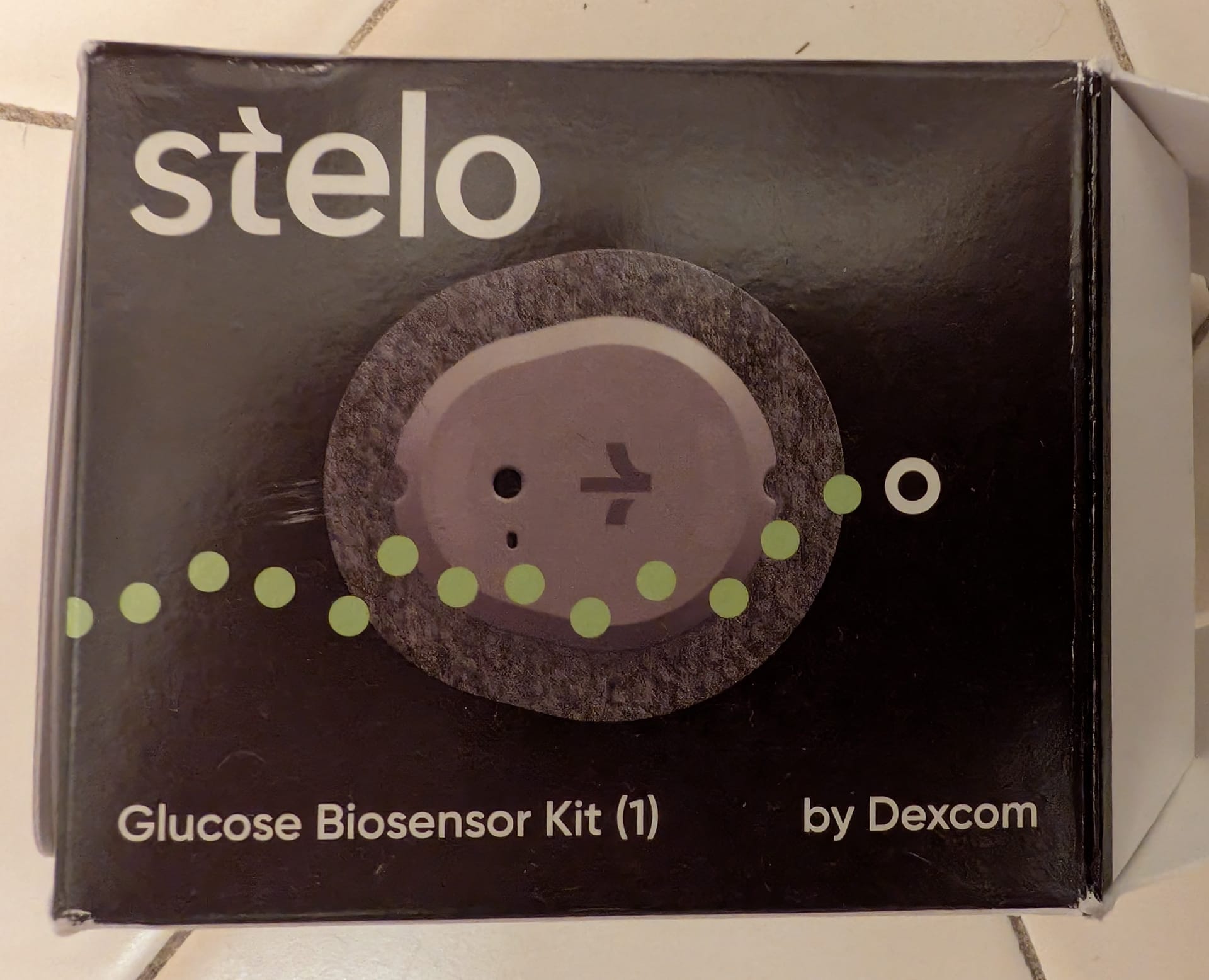
This is part 2 of my post series on xdrip+ and the Stelo CGM. Part 1 covers OTC CGMs in general.
Using xdrip+ with the Stelo CGM
There are official docs for setting everything up and the whole process is pretty simple. xdrip+ has an autoconfig mechanism where you scan a QR code to configure the app for a specific CGM:
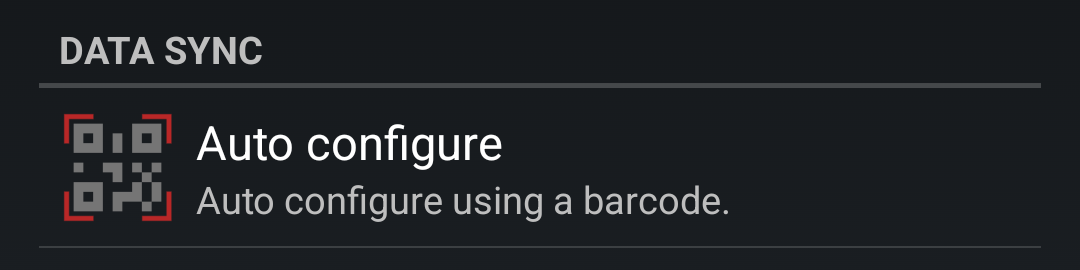
Once that's done you just need to follow their recommended settings guide and disable battery optimization.
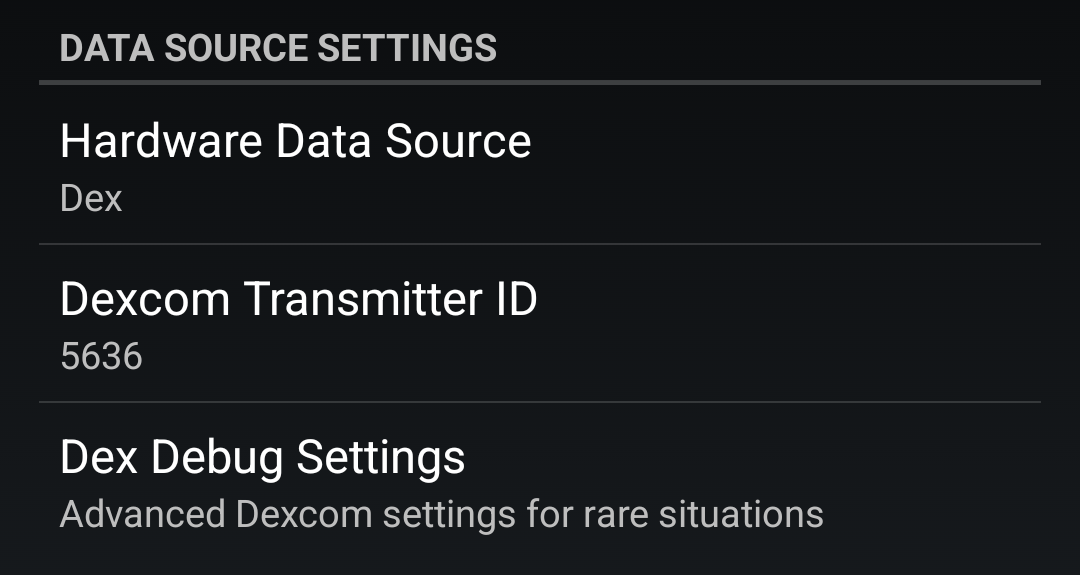
After that you can insert the Stelo into your arm as per the paper instructions in the box. The sensor applicator will have a 4 digit pairing code on the side that you set as the transmitter ID in xdrip+. That's it!
I had some overpatches leftover from when I wore the other CGMs. They are essentially little adhesive barriers you apply on top of the CGM. The overpatches would peel off and need to be replaced every other day due to my shirt rubbing against them. The way I see it, every discarded overpatch is a bump that the CGM didn't take. Ironically, they worked so well that the CGM was difficult to remove at the end of the two weeks. I had to apply some olive oil around the adhesive and let that sit to finally remove it.
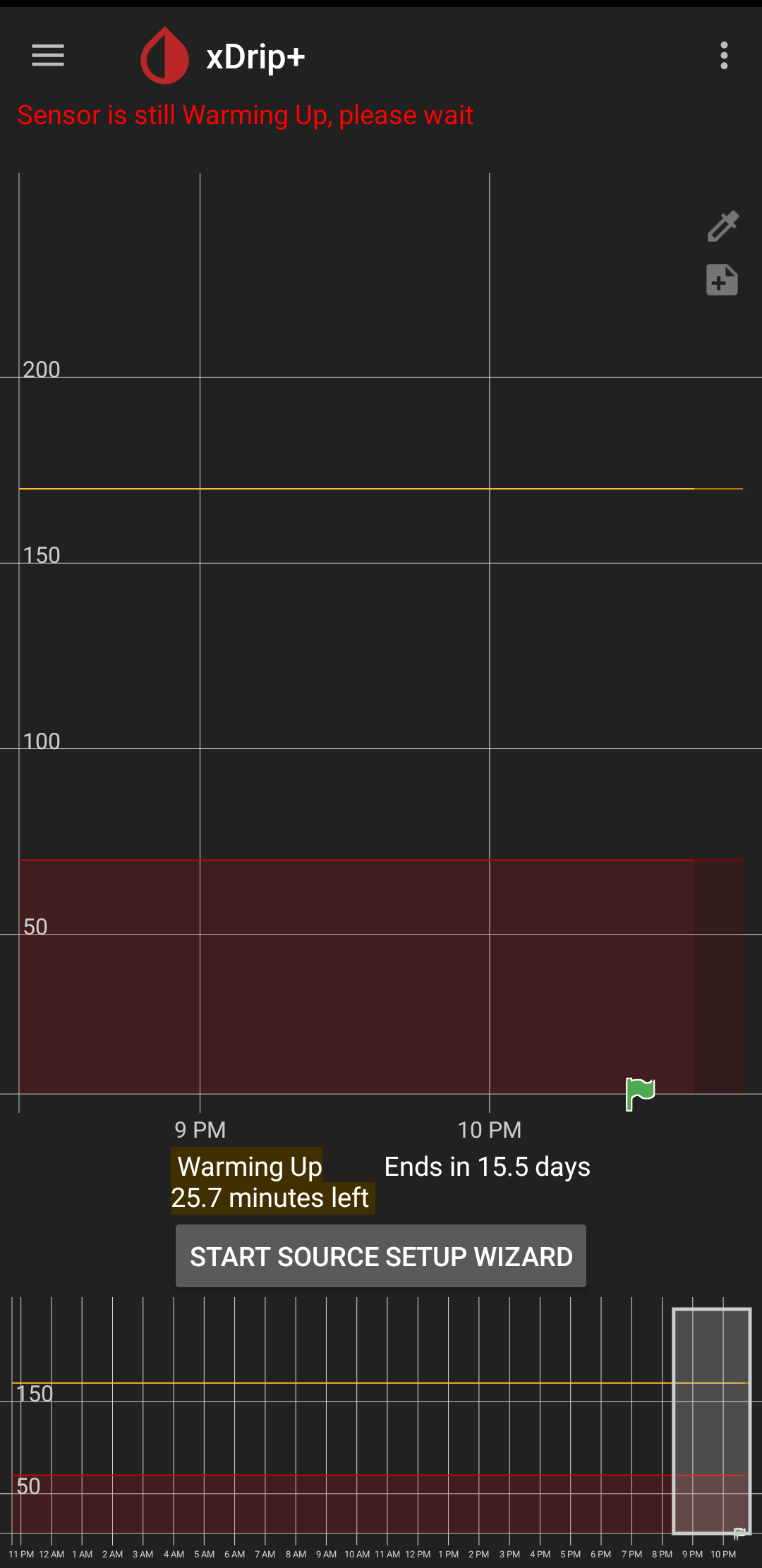
Once set up xdrip+ and Stelo will happily chug away and take readings. There is a 30 minute "warm up" period before you get your first reading. See the little green flag:
Actually wearing the Stelo day to day and using xdrip+
Part of the reason why the Stelo lasts 14 days is because of it's reduced transmit frequency. While the monitor takes a glucose reading every 5 minutes, the device only transmits the readings every 15 minutes. Transmitting less frequently helps save power.
This is in line with the idea that the Stelo is not a diagnostic device, but a wellness device. For comparison, the Abbot Freestyle 3 reads and transmits every minute and the Dexcom G7 reads and transmits every 5 minutes. [1] You can imagine how shorter transmit frequencies are more important when you have something like a closed loop system.
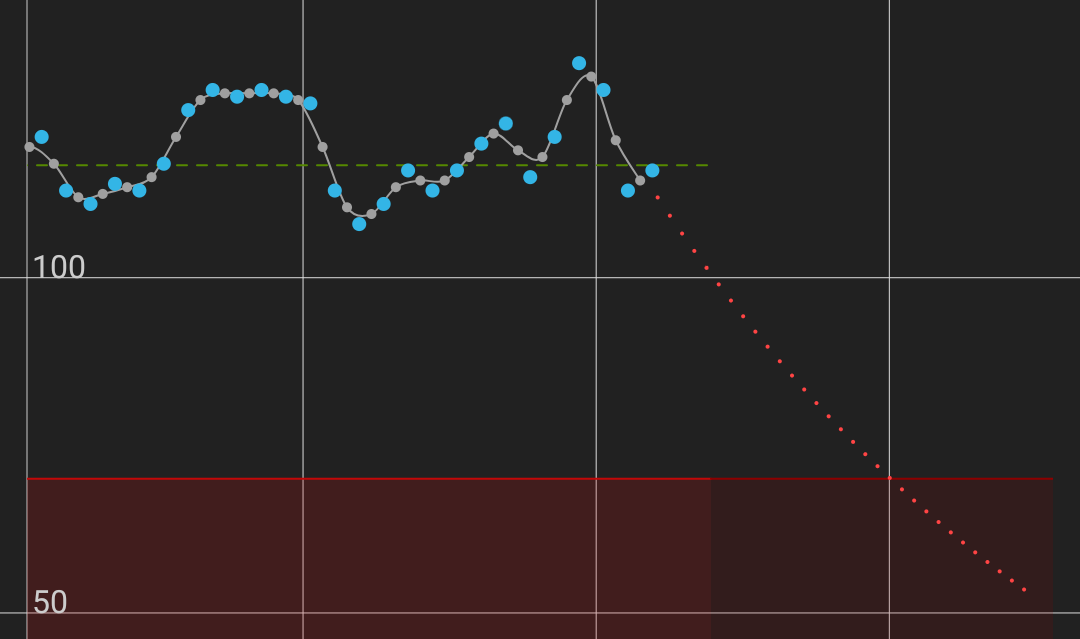
Anyways, the Stelo will transmit readings and xdrip+ will graph them. When the simulation thinks you are on a downward trend towards low blood sugar the graph will show a dotted red line:
Or when the simulation thinks you are on an upwards trend towards high blood sugar the graph will show a dotted purple line:
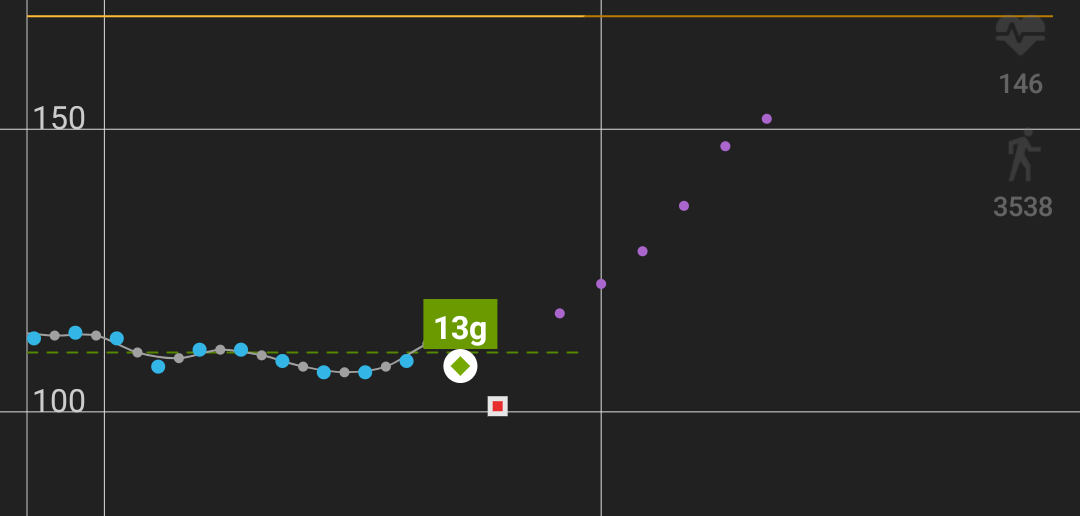
Additionally, in the screenshot above I used the treatments functionality to log the carbs for a banana I had eaten, indicated by the green dot with the "13g".
You can also configure xdrip+ to connect to a Bluetooth finger stick reader:
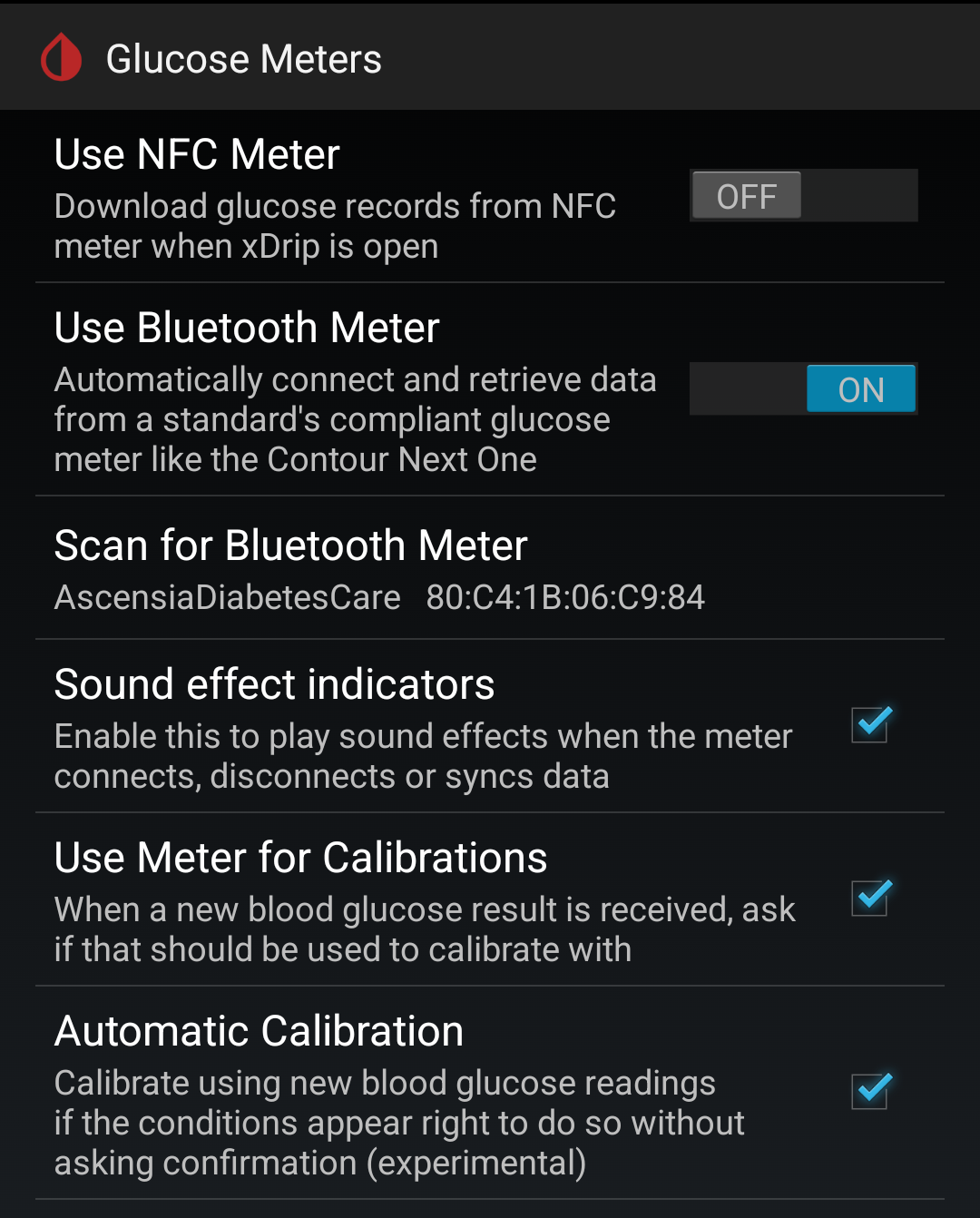
With the Stelo the "use meter for calibrations" and "automatic calibration" check boxes will essentially do nothing. See part 1 for more information on calibration. The device I used was the Contour Next One:
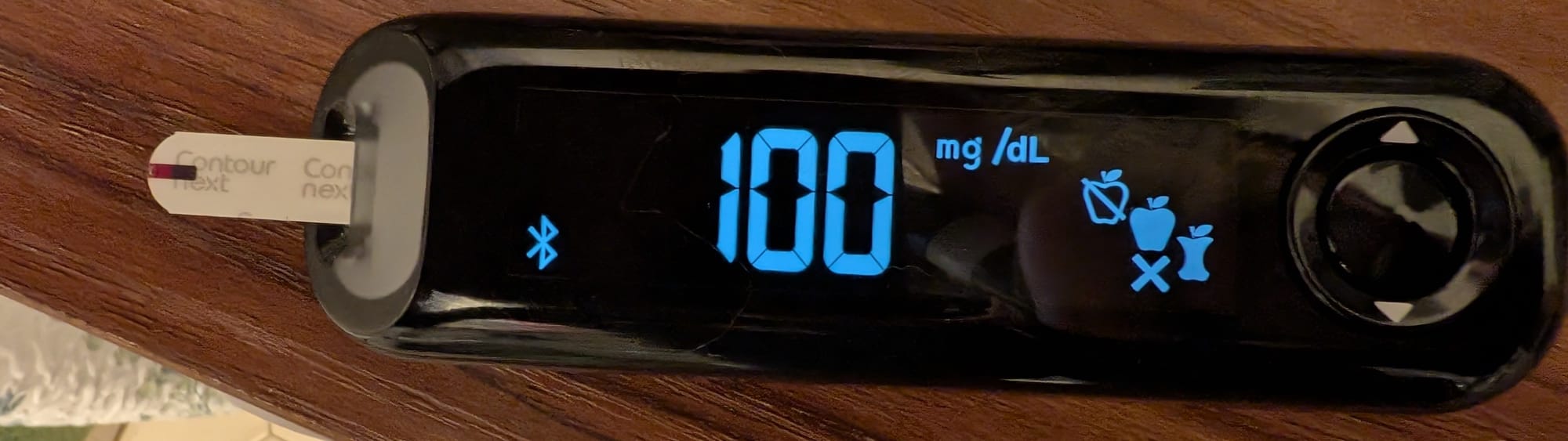
When you take a finger stick reading and sync the result the timeline will show a little white and red square:
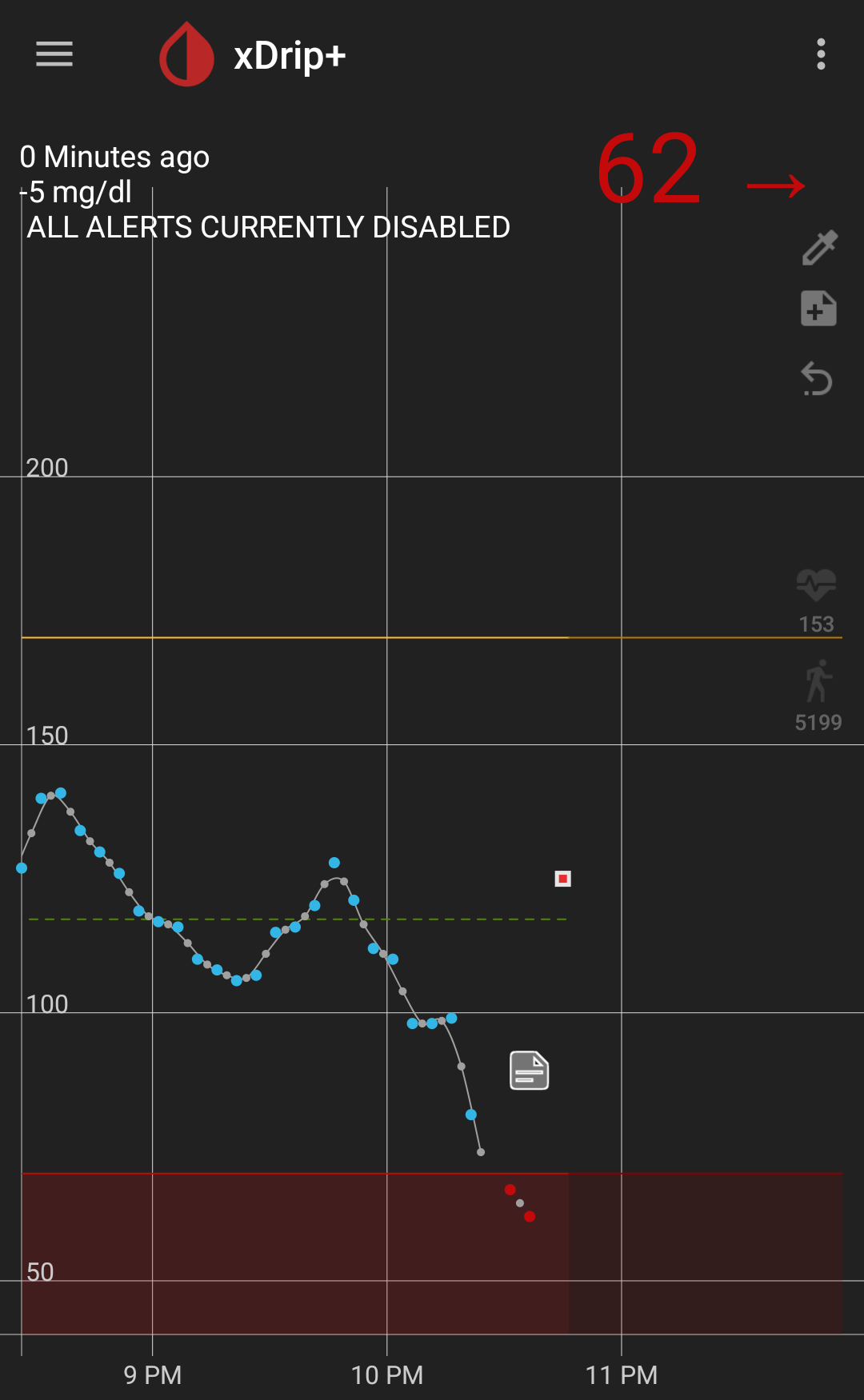
You can also add text notes which are indicated by the little paper with the corner folded symbol.
Here is an example of when I subjected myself to hot pot for science:
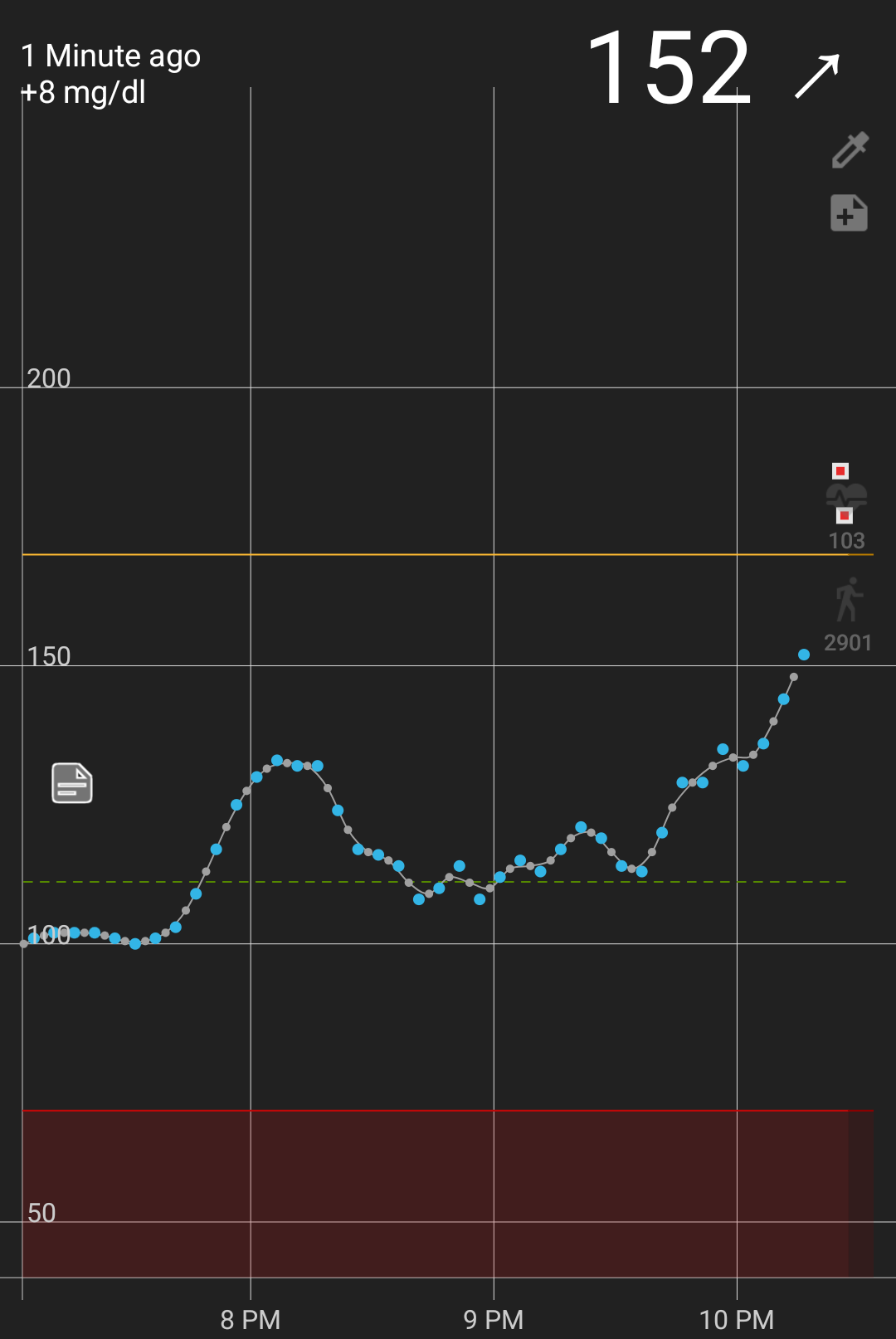
Notably, my finger stick reading was considerably higher than the Stelo every read. I believe that's because CGMs like this have wider error margins at more extreme values.
On sync delays and location permission
The Stelo can store about a days worth of readings if you cannot sync with the device. You will not miss readings if your phone is in another room, or xdrip fails to connect for some reason. Instead, xdrip+ will display a message about how far behind the sync is:
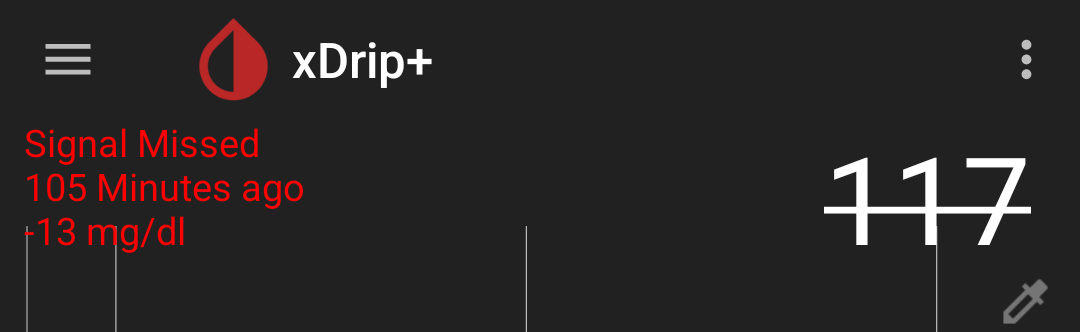
The next time 15 minute interval where Stelo sends an update, xdrip+ will recover all the missed readings. In the example above I had toggled location off on my phone using the quick tile. [2]
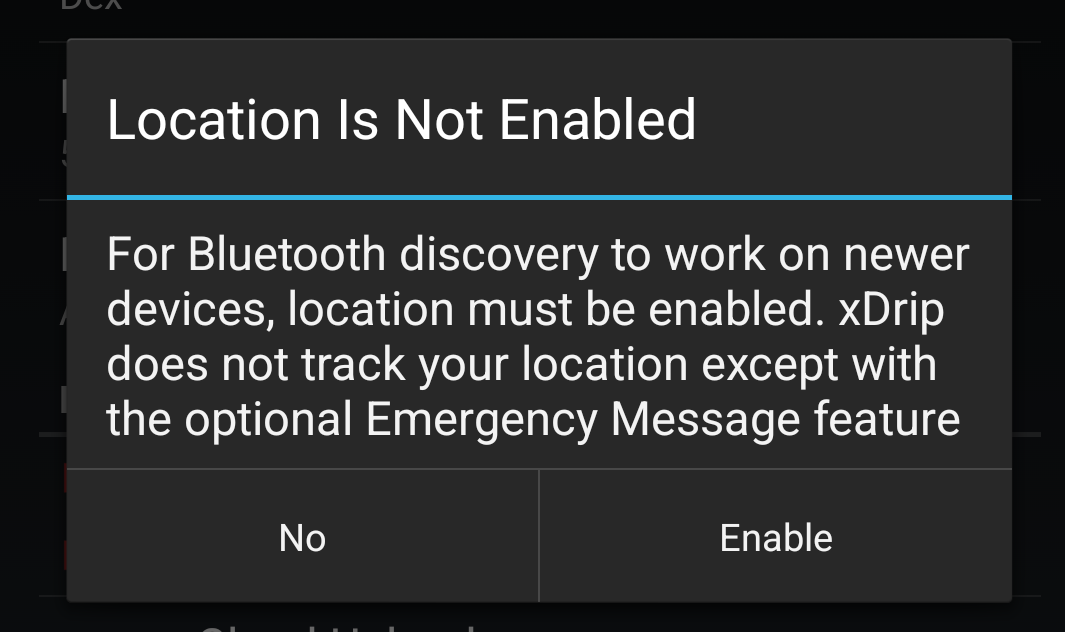
Apps can use BLE devices to figure out location. See my post on testing location with BLE beacons for more adventures in that space. Since this is possible, Android 12 reworked the permissions around BLE. Essentially, in order to scan and interact with devices, apps will also need to have the location permission. If an app does not use scans to figure out location, the developer can assert so. Without that assertion if the app does not have the location permission it will not be able to connect to BLE devices.
There is an xdrip+ issue to request new Bluetooth permissions of Android 12 which was supposed to resolve this by upgrading one of their dependencies, however I was unable to get xdrip+ to sync when I had location toggled off. Instead I just get this dialog:
Integrations with watches
Aside from CGMs, insulin pumps and fingerstick readers, xdrip+ can also connect to watches to display readings. I don't use a Wear OS watch anymore, but someone else has a nice write up on how to use one with xdrip+.
In the Garmin ecosystem there are a couple different options: there is a
watch face, a data field and a widget. I went with the widgets since I didn't need to always see the information.
Settings, Inter-app settings, enable "xDrip Web Service":
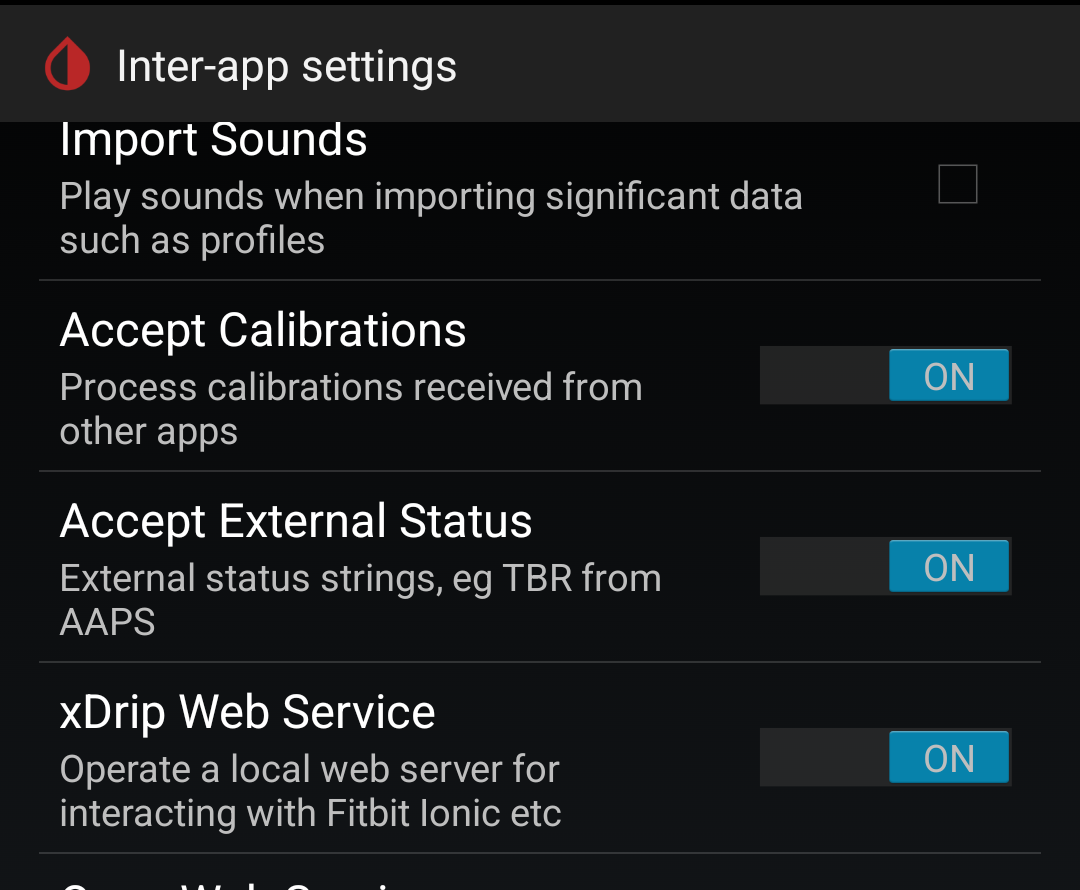
I sadly did not take a photo of my watch with the widget when the CGM was active.
There were some hiccups, but xdrip+ was great overall
By default xdrip+ is configured to have an alert when your glucose reads very low. This alert is able to pierce do not disturb on your phone. If you were not using the device for wellness purposes that makes sense. I didn't realize there was going to be an alarm and was awoken by an extremely loud and unexpected noise at 2am:
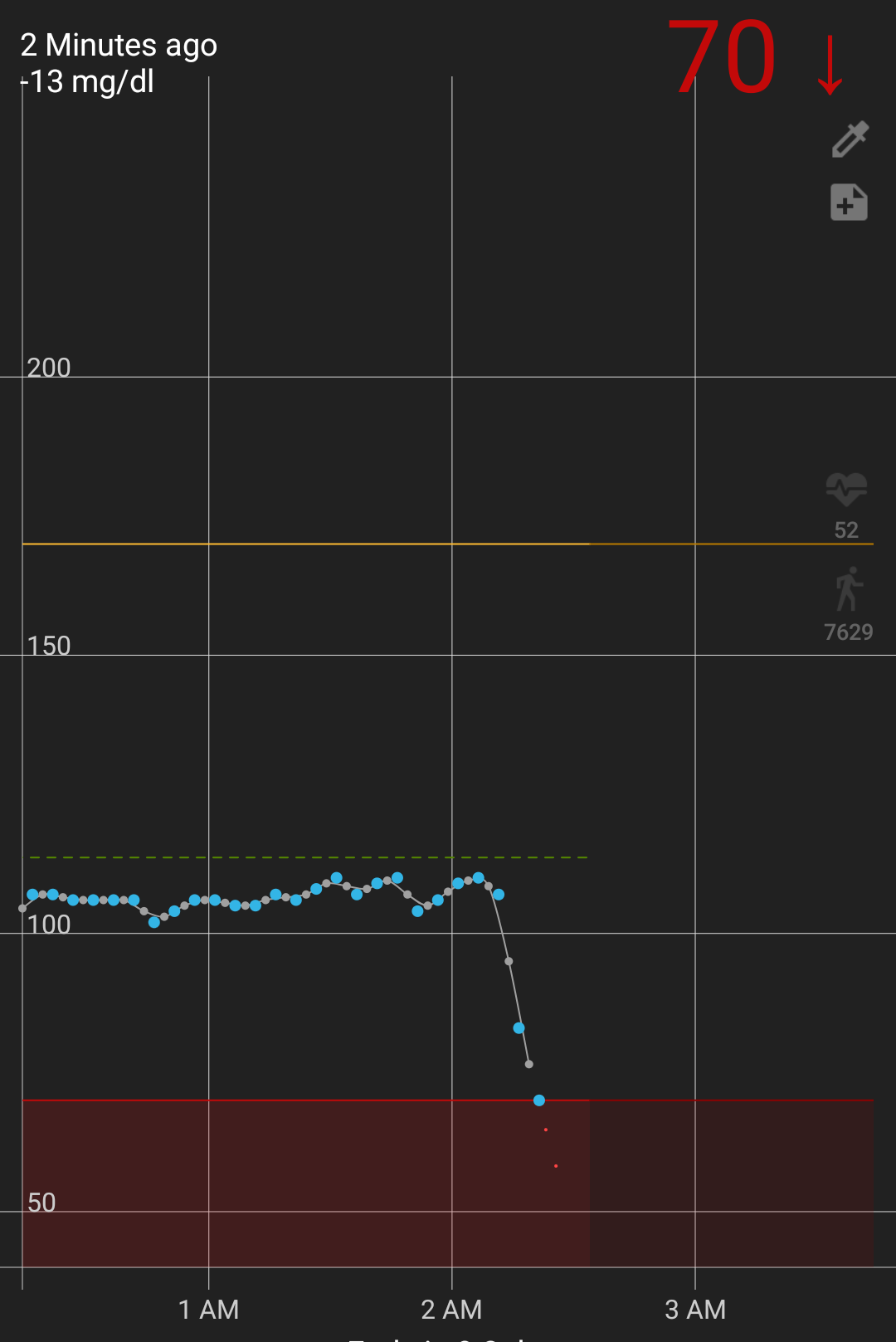
If you sleep on the sensor with enough pressure you can restrict the flow of interstitial fluid and get a false low reading, which I believe is what happened here. The following morning I figured out how to disable the alert.
There were also some periods with dropouts in readings:
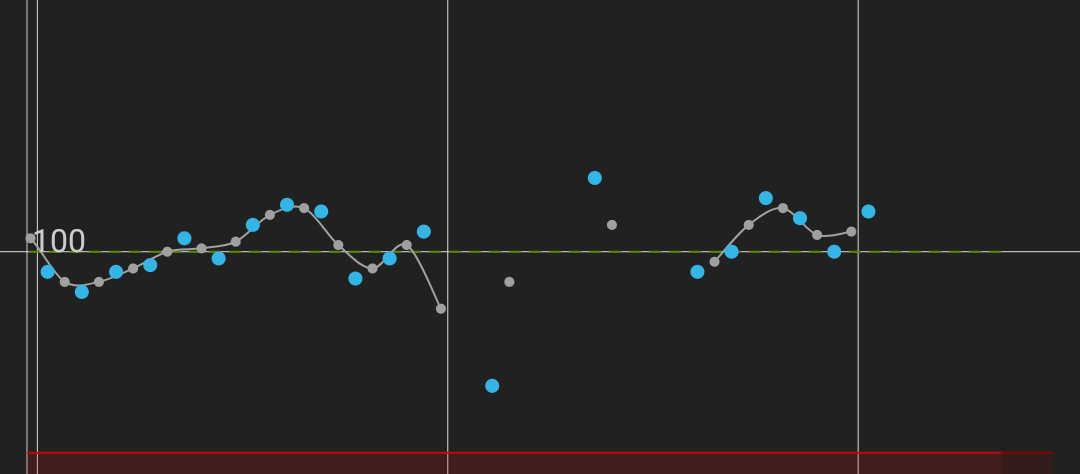
Though they were surprisingly infrequent compared to the issues I had with the earlier devices.
Then eventually, you will be told the sensor expired and greeted with a red flag, to mirror the green flag at the start of the session:
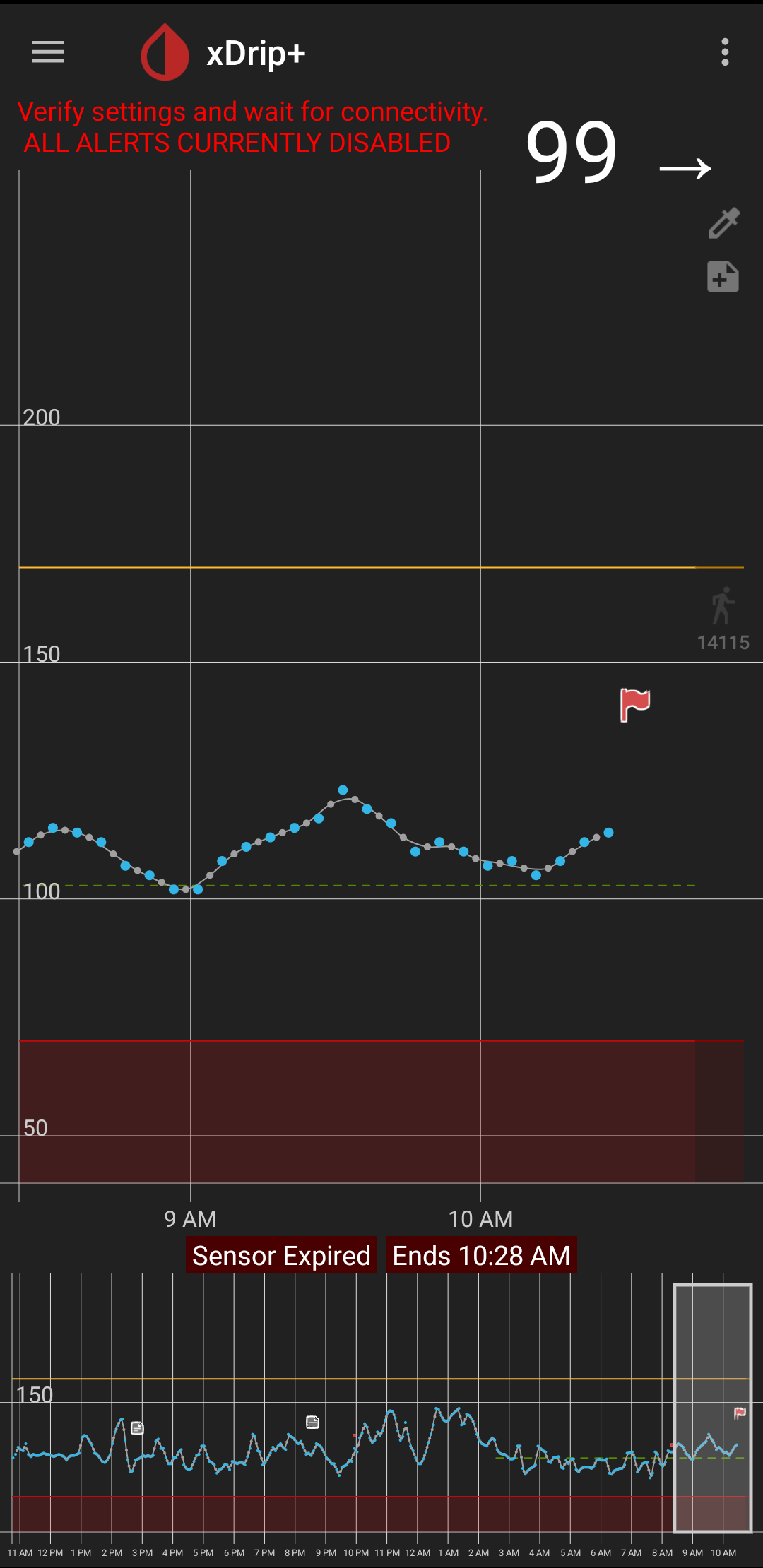
All of this is to say, I collected a lot of glucose readings from the Stelo using xdrip+. I haven't actually done anything useful with it yet. That will be in part 3.
Also, Stelo is quoted as having a transmit range of only 20' compared to the 33' of the G7 for additional power savings. ↩︎
See my post series on GrapheneOS for more about my Android phone usage. ↩︎
Member discussion